

Developer tools extension
Clueis
AI code review, right on the pull request.
Clueis 2.1 is coming soon. Today it's on the Chrome Web Store as Signal for GitHub.
- Price
- Free weekly allowance
- Browsers
- Chrome, Edge, Brave, Firefox
- Latest build
- 2.1.0
Why we built Clueis
Clueis started as Signal for GitHub, a side panel that kept our pull requests, review requests and CI status in one place. We used it every day, and the next question was obvious: what if it could also help with the review itself?
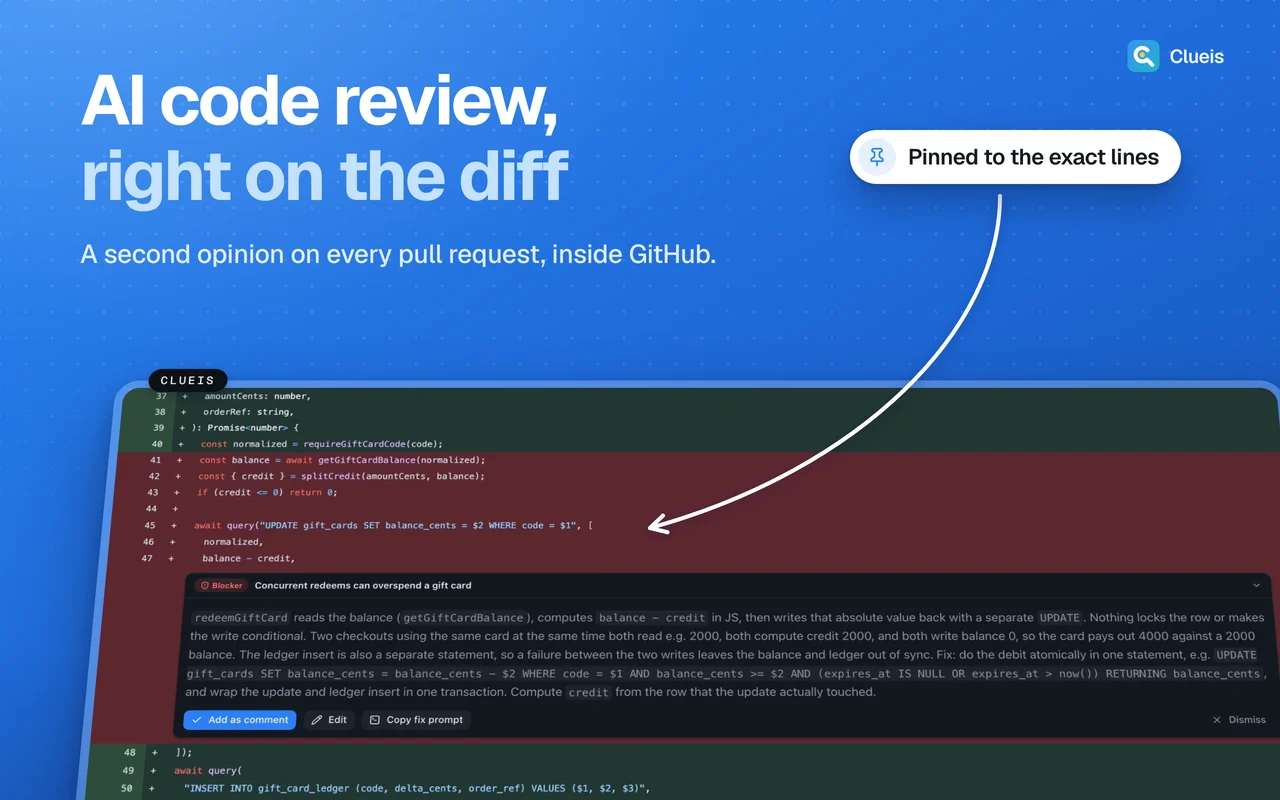
Clueis adds AI code review to the pull request page you’re already on. It reads the diff, pulls in the related files it needs, and leaves findings on the exact lines, with suggested changes you can accept into GitHub’s own comment box.
Reviews only run when you click. Until then no source code leaves your browser, and your GitHub token and any API keys stay in the extension’s storage on your device. Clueis has no ads, no tracking and only read access to GitHub.
See it working
What it does
Review on the diff
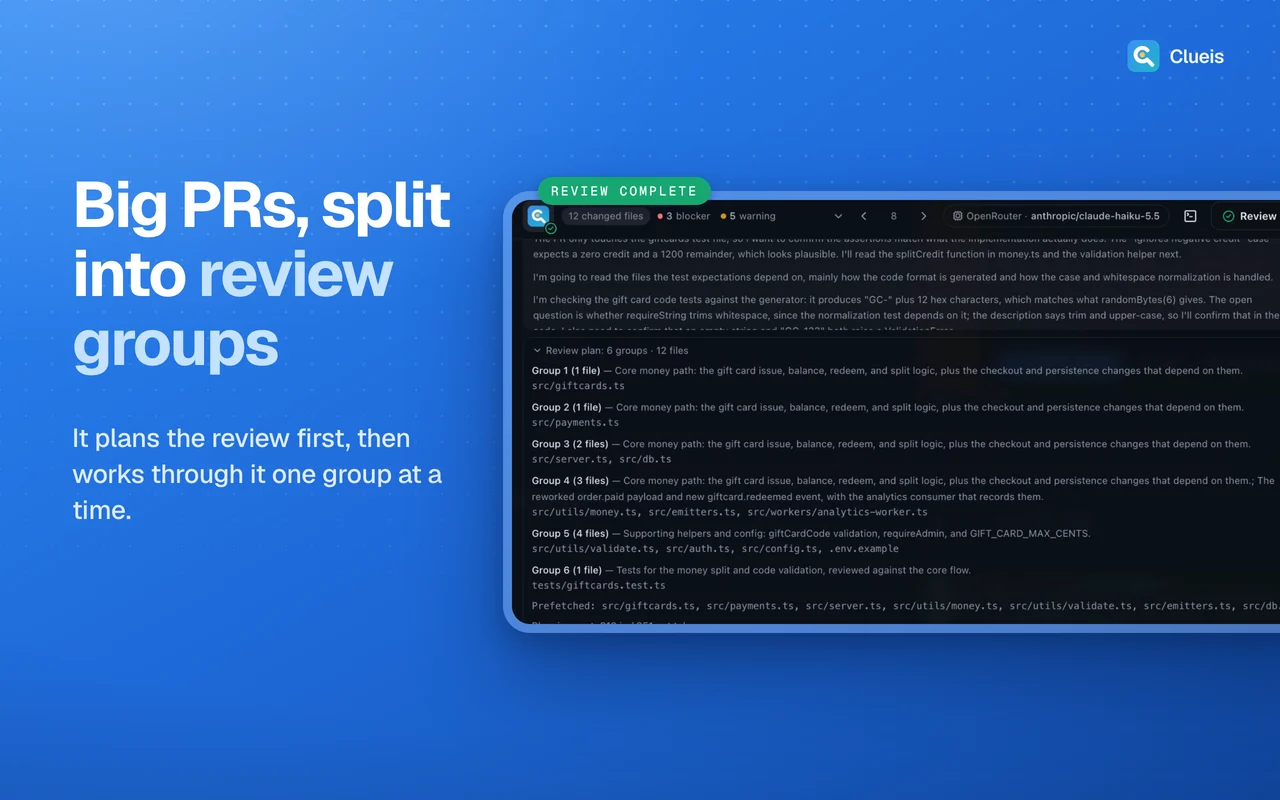
Click review on any file, or review the whole pull request at once. Findings appear inline with a severity, a short explanation and a suggested change where it helps.
Looks beyond the diff
The reviewer reads related files, searches the repository and checks your contributing and style guides before it comments.
You stay in control
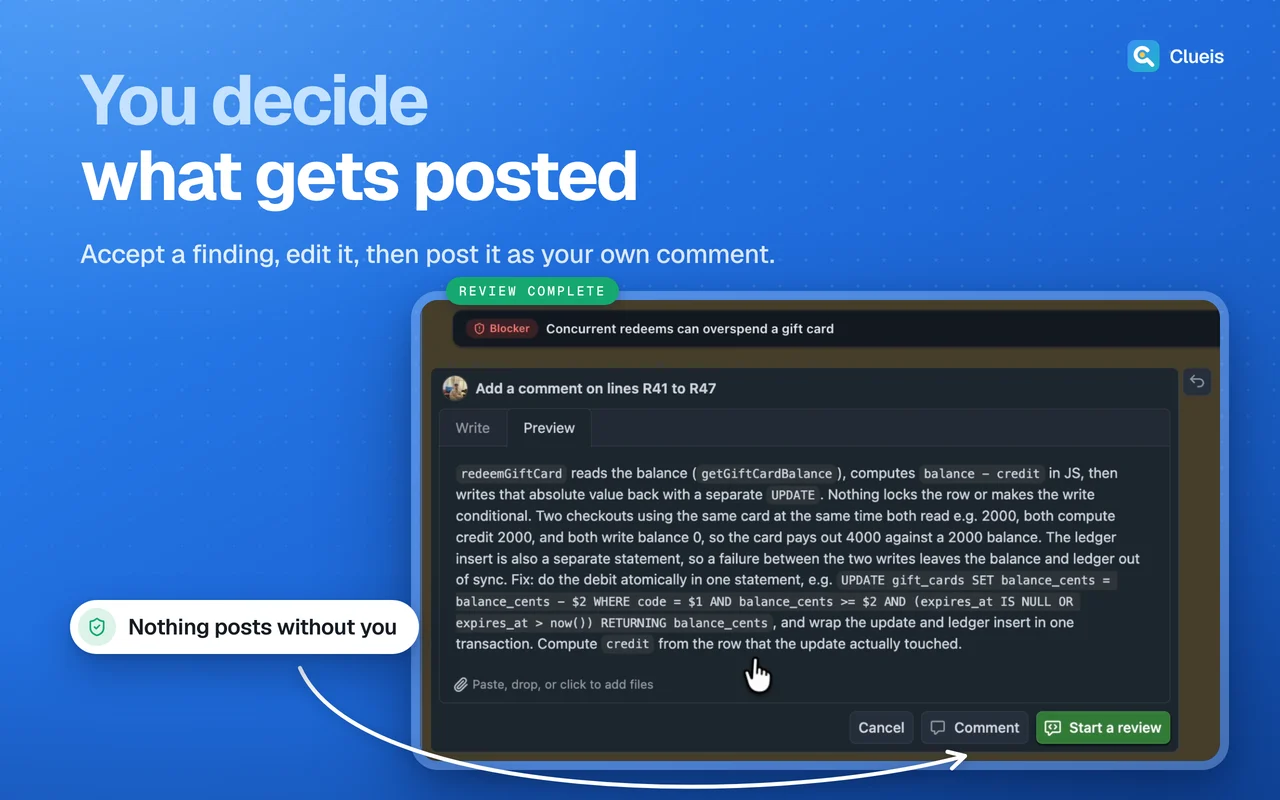
Accepting a finding fills in GitHub's own comment box. Nothing is posted until you press submit yourself.
Choose your model
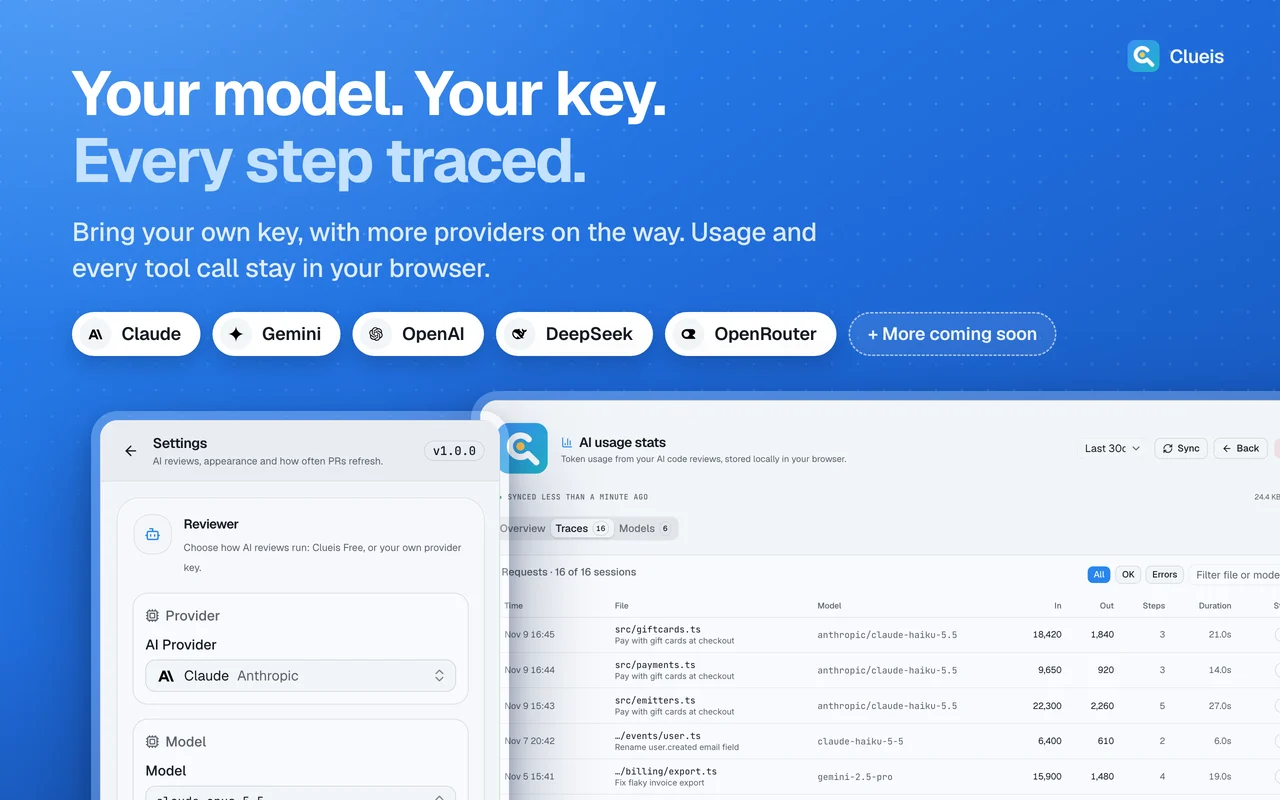
Use the built-in Clueis provider with a free weekly allowance, or bring your own key for Google AI, OpenAI, Anthropic, DeepSeek or OpenRouter.
A dashboard for your PRs
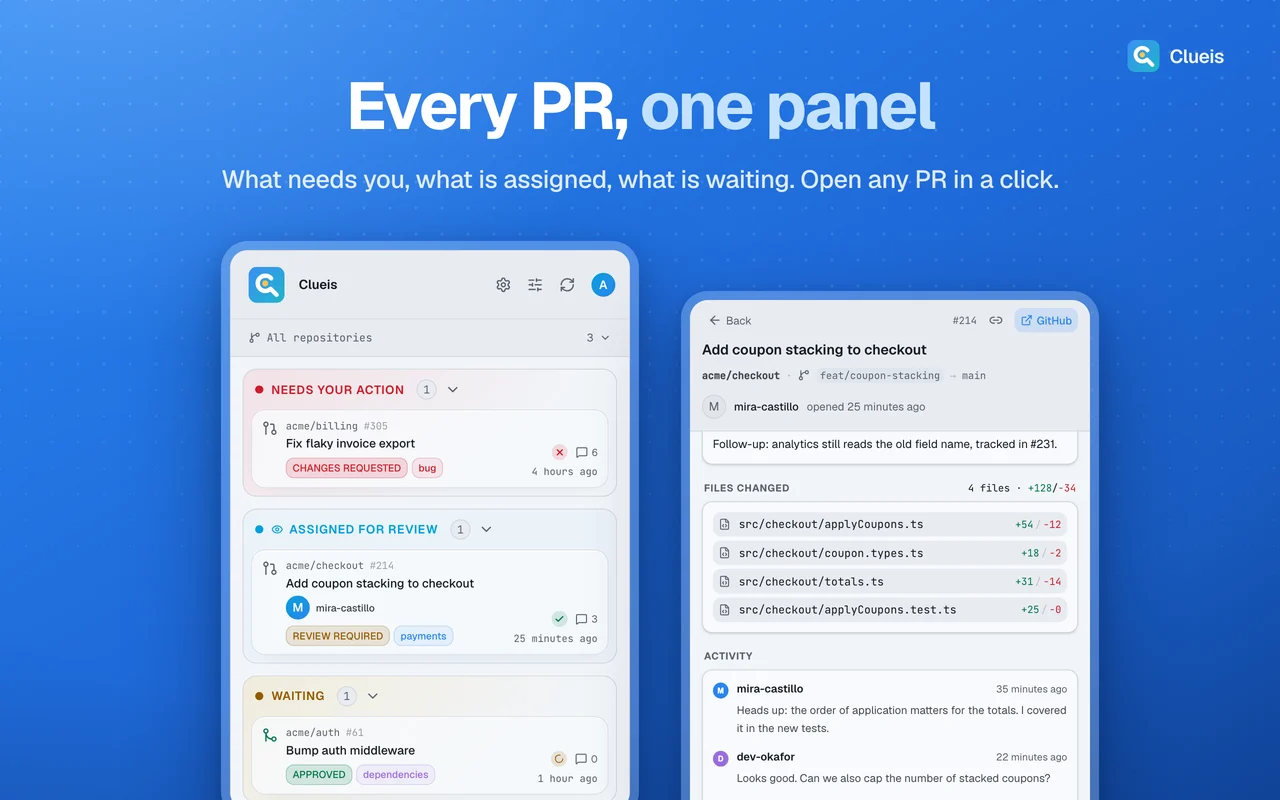
Your pull requests, review requests and recent activity in the side panel, with CI checks, approvals and merge conflicts at a glance.
Usage you can inspect
A local stats page shows tokens per review and per model, with a full transcript of every run. It's cleared when you sign out.
Permissions, in plain words
Every browser asks you to approve these when you install. Here's what each one is for.
- Storage
- Keeps your settings, your GitHub session and saved review results on your device.
- Unlimited storage
- Caches repository files and a capped history of review transcripts so repeat reviews are fast.
- Identity
- Runs the GitHub sign-in flow. It doesn't read your Google or browser profile.
- Side panel
- Shows your pull request dashboard next to the GitHub page.
- github.com and api.github.com
- Adds review buttons and findings to pull request pages and reads PR data with your own token. It never writes to GitHub.
Recent changes
2.1.0
Safer reviews: PR text is rendered as plain text and kept apart from the AI's instructions. Findings land on the right lines more reliably, and host permissions are narrowed to GitHub.
2.0.0
Whole-pull-request reviews, a local usage stats page with run transcripts, and a copyable fix prompt for every finding.
1.0.1
Released on the Chrome Web Store as Signal for GitHub: a pull request and CI dashboard in the side panel.